
Open source desktop agent.

Use any model from any provider. Open source and local-first — your data never leaves your machine.
Saved flows
Reuse finished work
Any model
Bring your own key
Open source
Inspect & contribute
Cross-platform
macOS, Windows, Linux

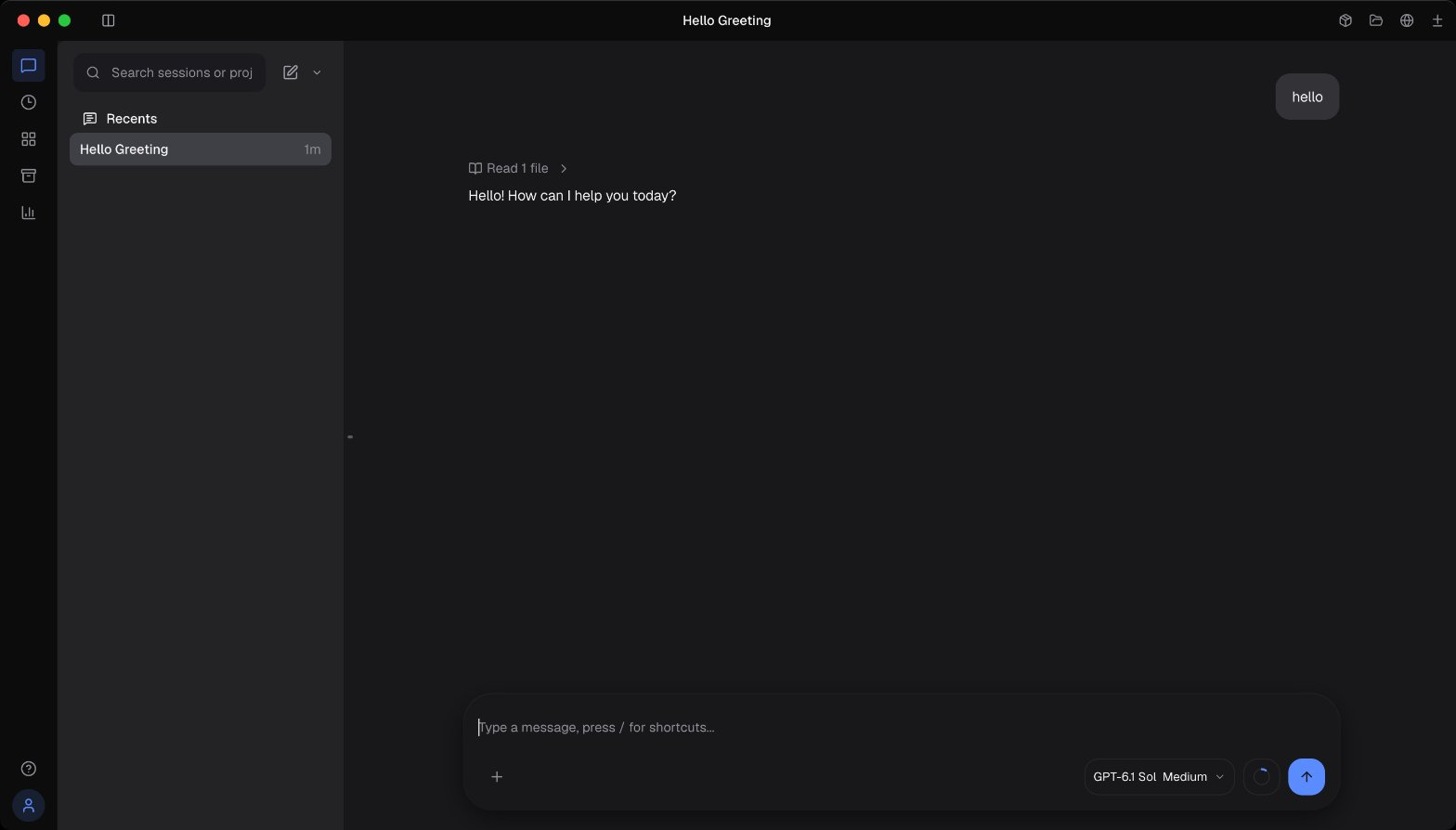
An AI assistant that works alongside you on your desktop.

Tell it what you need done: research something, update a spreadsheet, draft a reply. It uses your browser, your tools, and your model key to finish the job, then saves the whole workflow. Next time, just run it again.

Works on your actual desktop

Opens your browser, fills forms, moves data — like a coworker sitting next to you.

Remembers how it was done

Each finished task becomes a flow you can run again. Over time you build up a personal library of them.

Use cases that repeat

Research summaries, dashboard updates, routine replies, recurring reports.

No setup required

Start with a real task, not a template. DeskWand figures out the steps with you.

See DeskWand in action.

Four real workflows, shown in fifteen seconds each.

Stop doing the same work twice.

DeskWand handles the task, remembers how, and keeps it ready for next time.

Saved flows

Each task you finish becomes a flow you can run again. They collect into a personal library as you go.

Your model, your key

Bring any model: Claude, GPT, Gemini, or something running locally. Your key, your call.

Cloud sync

Sign in once and your saved flows follow you across Mac, Windows, and Linux.

Share with your team

Keep flows to yourself or share useful ones. Good work shouldn't stay trapped on one machine.

These saved flows are powered by DeskWand's Skills Cloud.

Built for privacy, open by design.

DeskWand is open source and local-first. Bring your own model key. Cloud sync is there if you want it, off if you don't.

Open source

Every line of code is public. Read it, fork it, contribute to it.

Local-first

Your data stays on your machine. Cloud sync only if you turn it on.

Your model key

Use Claude, GPT, Gemini, or a local model. Switch anytime.

Pay as you go

Bring your own API key and pay nothing for cloud features, or top up your balance as you go.

Pay as you go
  • Bring your own API key — pay nothing for cloud features
  • Top up with USDT/USDC — 1:1, $1 in, $1 of balance
  • Usage billed at official rates + 5% platform fee

Download DeskWand

Open source. Free to use. macOS, Windows, Linux.

Questions you might have

DeskWand works best for computer tasks that repeat: research, updates, follow-ups, routine admin work, and recurring documents or reports.

No. It does the work first, then keeps how it was done, so the same task runs on its own next time.

If the work repeats, DeskWand keeps the finished process. The next similar task doesn't start from zero.

Yes. Sign in and keep your saved flows available across devices.

Yes. Keep personal flows private, or share the ones your team can use.

Yes. It runs on your machine, the code is public, and you use your own model key. Unless you turn on sync, nothing leaves your computer.

Yes — free to download. Bring your own API key and pay nothing for cloud features. Otherwise, cloud usage is pay as you go. See pricing →